The cloud behind my PAWBBY smart cat litter box is dead. Its backend answers HTTP 502, the app is useless, and the box would have become a very expensive plastic drum. So I taught my LogicMachine LM5 KNX controller to talk to it directly, over the Tuya v3.4 local protocol, in Lua. No cloud, no Raspberry Pi, no MQTT broker. It reads the full state, levels the litter, and it can start a manual clean, which the people who mapped this box before me had concluded was impossible.
Everything is on GitHub at managementboy/pawbby. None of it would exist without Pawbby-Reborn, and I will get to that properly in a moment.
The short version
- What: a cloud-free integration of the PAWBBY smart automatic cat litter box into KNX, running entirely on a LogicMachine LM5.
- How: a Tuya local protocol v3.4 client written in Lua (LuaJIT 2.0), AES-128 through libcrypto via FFI, and a resident script that publishes to KNX objects.
- Works: status, weight, cat presence, visit counting, litter level, flatten, tare, and clean now (DP 106 =
AQAAAA==). - In progress: the weight of each cat by name, learned automatically from the box’s own visit weighing.
- Built on: the datapoint map and app analysis of the Pawbby-Reborn project.
A dead cloud and two cats
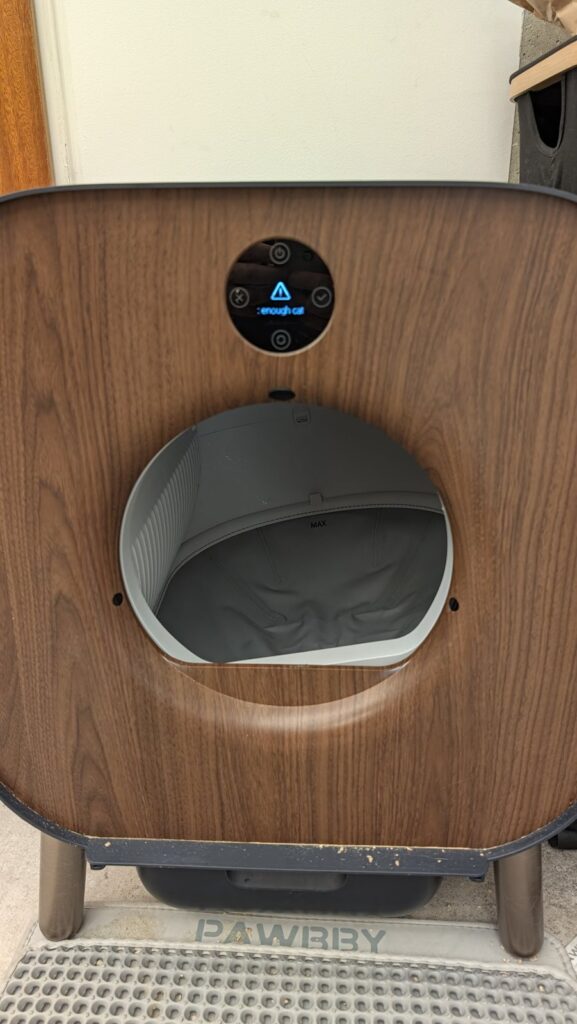
The PAWBBY is a rotating-drum litter box. It weighs whoever steps in, cleans itself about a minute after a visit, and used to report all of it to an app. The app talked to a Pawbby backend, and that backend is dead. The box itself is fine. It still sits on my Wi-Fi, and underneath the branding it is a Tuya device, which means it speaks a documented-enough local protocol on TCP port 6668 to anyone who has its local key.
Two cats depend on this box. Isma is the larger male, Charlie the smaller female. That fact shaped every rule in this project: the controller is live hardware in a home, and anything I sent to the box while testing had to be something I was sure about. There is a command that empties the whole tray. It was never used as a test.
Thank you, Pawbby-Reborn
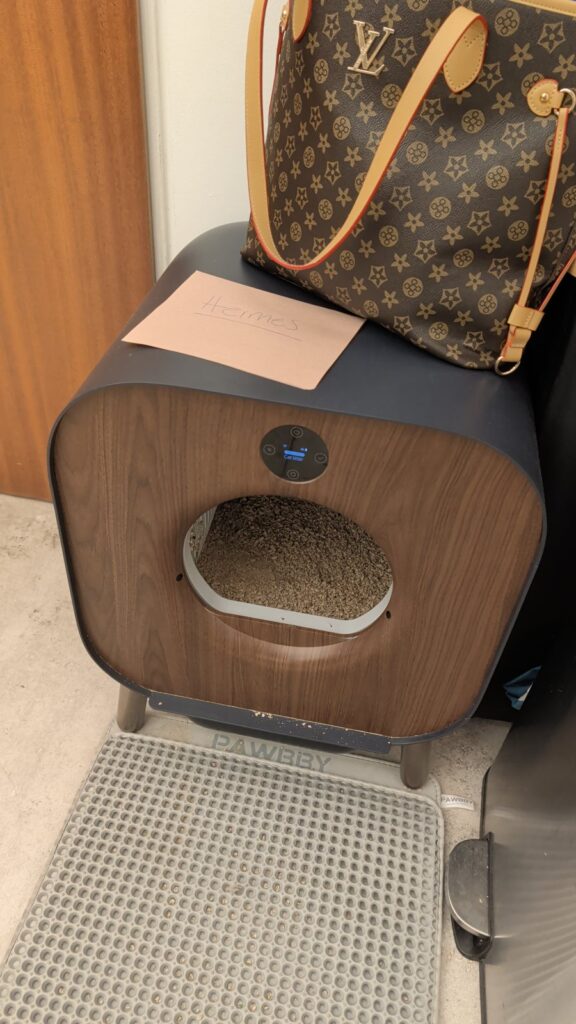
Before writing a single line I found Pawbby-Reborn by larsjarred9, a self-hosted replacement for the dead app. Their notes are the reason this took days and not months. They had already mapped the datapoints (DP 116 is the state machine, DP 112 the filtered weight, DP 106 takes commands), confirmed the flatten payload AQEAAQA=, and, crucially, pulled apart the official app to see what it actually sends. They also wrote down every dead end, which is the most generous thing a reverse-engineering project can do.
If you have a PAWBBY and want a web UI rather than KNX, use their project. Pawbby-Reborn is licensed AGPL-3.0. What I found on top of their work is listed at the end of this post, so it can flow back to them.
Everything runs on the LogicMachine
The LogicMachine LM5 runs Lua scripts next to the KNX bus. That is enough. The whole integration is two files:
tuya34.lua, a user library: the Tuya v3.4 client (framing, handshake, encryption, parsing).pawbby_resident.lua, a resident script that runs every five seconds, keeps the connection alive, and maps the box to KNX objects under32/3/*.
The one thing you need from outside is the device’s local key. You get it once from the Tuya developer platform: create a cloud project, link the app account the box was paired with, and query the device details. After that, nothing leaves the house.
There is no AES on a LogicMachine
The first surprise was that the LM5 has no aes Lua module, and Tuya v3.4 is AES-128-ECB end to end. So one of the first scripts I ran on the controller was not a client at all. It was a probe: what does this Lua actually have? HMAC-SHA256, yes, but encdec.hmacsha256 returns 64 hex characters, not raw bytes. Sockets, yes. FFI, yes.
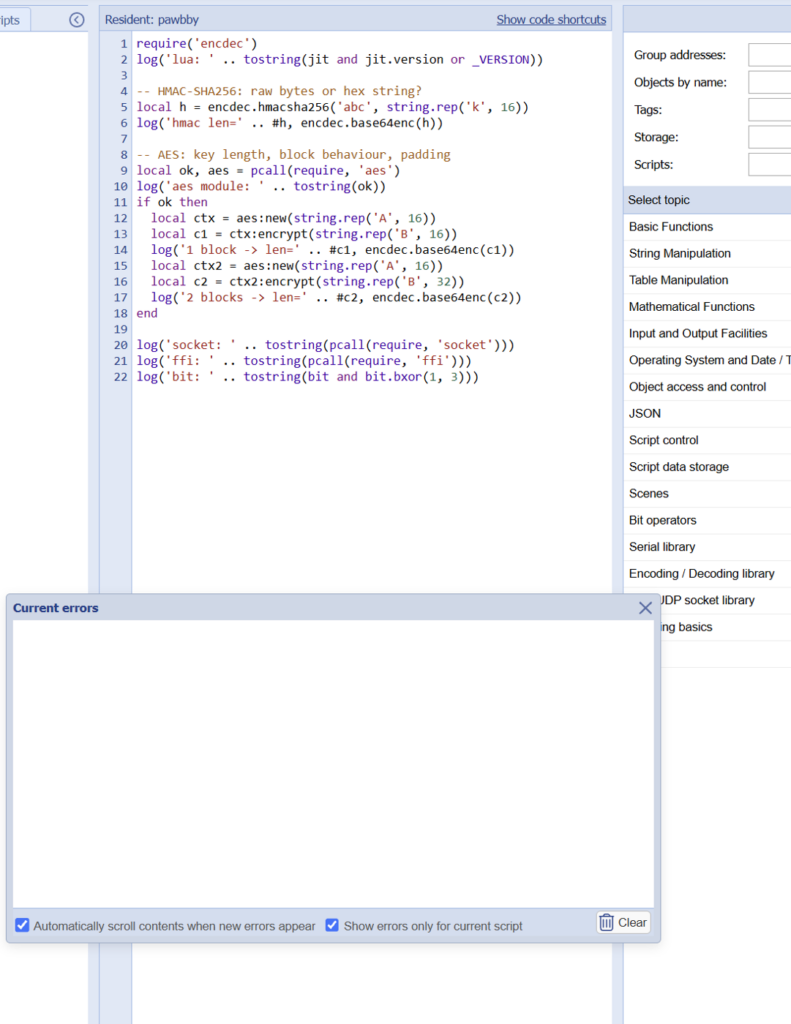
FFI was the answer. LuaJIT can load OpenSSL’s libcrypto directly and call the EVP functions, so the cipher runs in native code and Lua only handles the PKCS#7 padding:
local C = ffi.load('crypto')

local function aes(key, data, encrypt)
  local ctx = C.EVP_CIPHER_CTX_new()
  if encrypt then
    C.EVP_EncryptInit_ex(ctx, C.EVP_aes_128_ecb(), nil, key, nil)
  else
    C.EVP_DecryptInit_ex(ctx, C.EVP_aes_128_ecb(), nil, key, nil)
  end
  C.EVP_CIPHER_CTX_set_padding(ctx, 0)
  local out = ffi.new('unsigned char[?]', #data + 16)
  local outl = ffi.new('int[1]')
  if encrypt then
    C.EVP_EncryptUpdate(ctx, out, outl, data, #data)
  else
    C.EVP_DecryptUpdate(ctx, out, outl, data, #data)
  end
  C.EVP_CIPHER_CTX_free(ctx)
  local res = ffi.string(out, outl[0])
  return res
end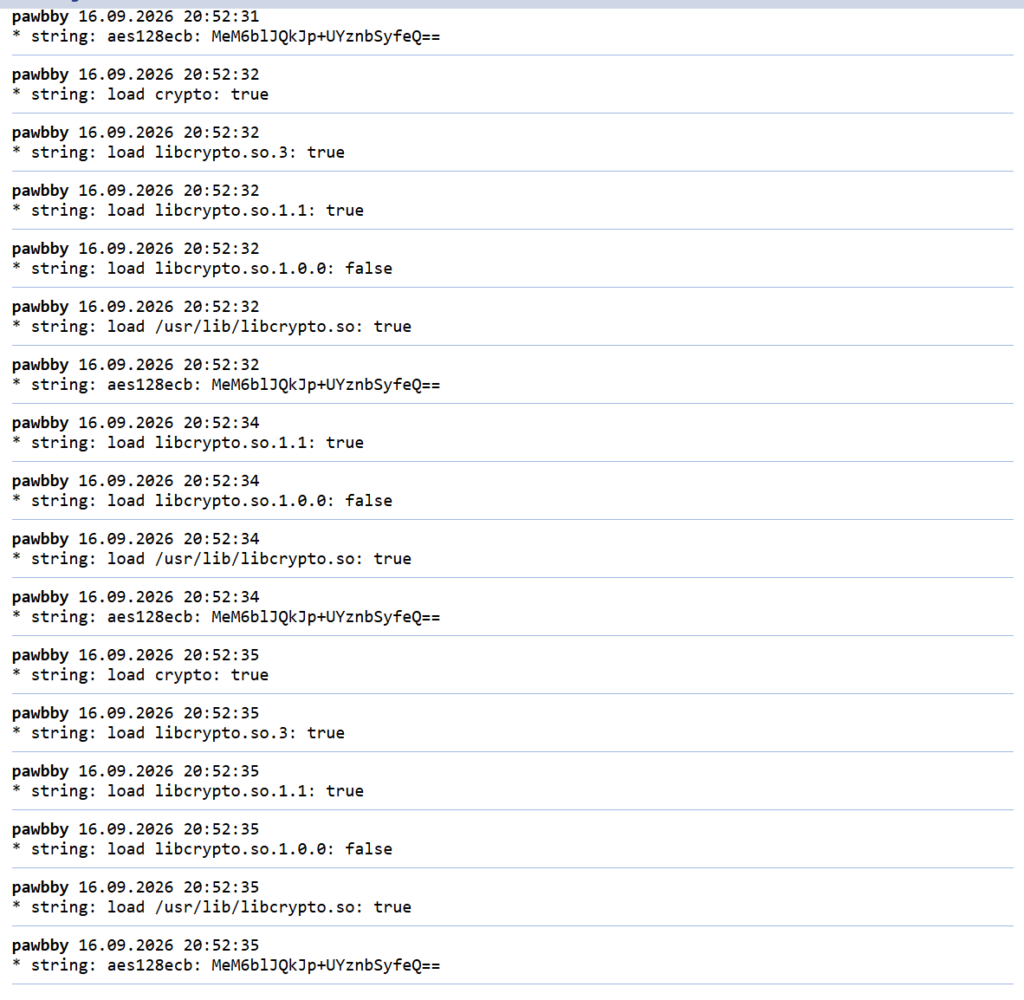
The v3.4 handshake
Every Tuya v3.4 frame is 00 00 55 AA, a sequence number, a command, a length, the encrypted payload, an HMAC-SHA256 over all of it, and 00 00 AA 55. Before any data flows, both sides negotiate a session key from two random nonces:
local function frame(seq, cmd, payload, key)
  local body = PREFIX .. u32(seq) .. u32(cmd) .. u32(#payload + 36) .. payload
  return body .. hmac(key, body) .. SUFFIX
end
local lnonce = randbytes(16)
self:_send(M.CMD.SESS_START, aes(self.key, pad(lnonce), true), self.key)
local cmd, payload = self:_recv()
if cmd ~= M.CMD.SESS_RESP then
self:close()
return nil, 'handshake: unexpected cmd ' .. tostring(cmd) .. ' ' .. tostring(payload)
end
local plain = unpad(aes(self.key, payload, false))
local rnonce = plain:sub(1, 16)
local proof = plain:sub(17, 48)
if proof ~= hmac(self.key, lnonce) then
self:close()
return nil, 'handshake: HMAC mismatch (wrong local key?)'
end
self:_send(M.CMD.SESS_FINISH,
aes(self.key, pad(hmac(self.key, rnonce)), true), self.key)
-- exactly one block, encrypted without padding
self.skey = aes(self.key, sxor(lnonce, rnonce), true)If the HMAC check fails, the local key is wrong. That single log line saved me more time than anything else.
The bug that was not the envelope
Reading worked quickly. Writing did not. Every command came back with data format error. I tried three different JSON envelopes, and all three failed for the same reason, which had nothing to do with the envelope. The box prefixes its own messages with a 15-byte header, the literal 3.4 followed by twelve zero bytes, and it expects the same on writes:
local VERSION_HEADER = '3.4' .. string.rep('\000', 12)

function Device:_sendjson(cmd, obj, header)
  local body = json.encode(obj)
  if header then body = VERSION_HEADER .. body end
  if self.debug then
    log('tuya tx cmd=' .. string.format('0x%02x', cmd)
        .. (header and ' [hdr] ' or ' ') .. json.encode(obj))
  end
  return self:_send(cmd, aes(self.skey, pad(body), true), self.skey)
end
The other trap: many Tuya examples include a cid field. That is for gateway sub-devices, and this box rejects it.
What the box looks like from KNX
The resident script creates its own virtual objects on first start and keeps them up to date. From a KNX point of view the litter box is now just another device:
32/3/2state as text (Idle,Cat inside,Deep cleaning…)32/3/1litter weight in grams,32/3/3cat present,32/3/4drum running32/3/7visits today,32/3/13litter low,32/3/5connection online32/3/10flatten and32/3/12clean now, both momentary buttons32/3/14to32/3/19the last cat’s name and weight, and weight and visits per cat
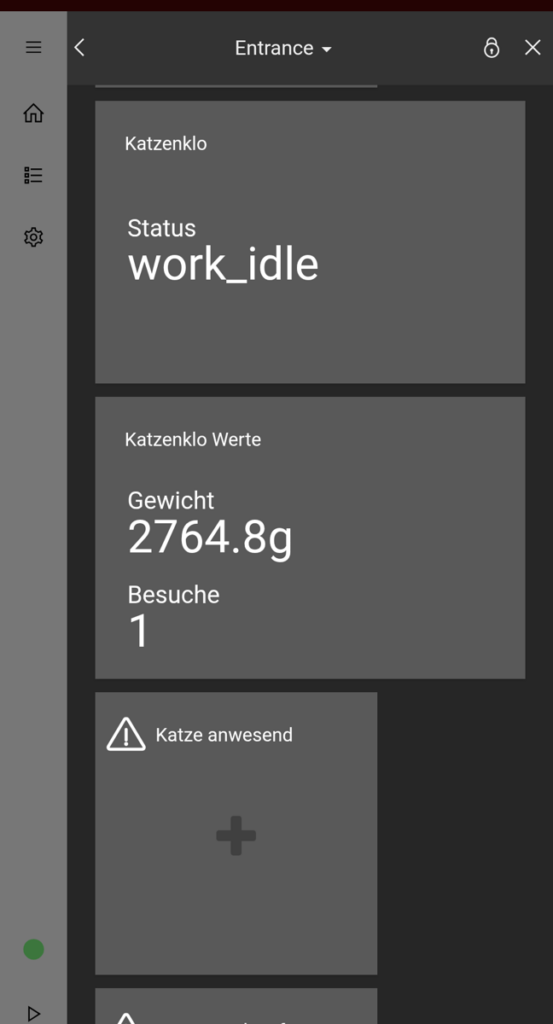
Anything the script does not recognise gets logged with its raw bytes and raised as an alert. That is deliberate: the box once had a liner jam that showed up on no mapped datapoint at all, so the fault code is still out there, waiting to be caught.
Starting a manual clean: the “impossible” command
Pawbby-Reborn’s conclusion on the manual clean was clear: it cannot be triggered remotely. They had tried every DP 106 command byte from 01 to 30, swept dozens of other datapoints and the Tuya cloud API. The physical button starts it, the app used to start it, but no command anyone sent would.
I had accepted that, until I remembered the app did have a clean now button. So I reread their APK analysis. The app’s device plugin builds every command with the same helper, createValue(ver, cmd, flag, data), and lists startClear as 01000000. Version 1, command 0, flag 0. Their sweep had started at 1.
That still was not proof, and the rule on this project is that you never fire a guessed payload at a live device. What made it more than a guess: the tare command I had already confirmed on this box, 01 01 00 00 on DP 109, is exactly what the same helper produces for resetWeight. Same encoding, confirmed elsewhere. And the Tuya app’s own debug view had been showing dp_clean_control = 01000000 the whole time.
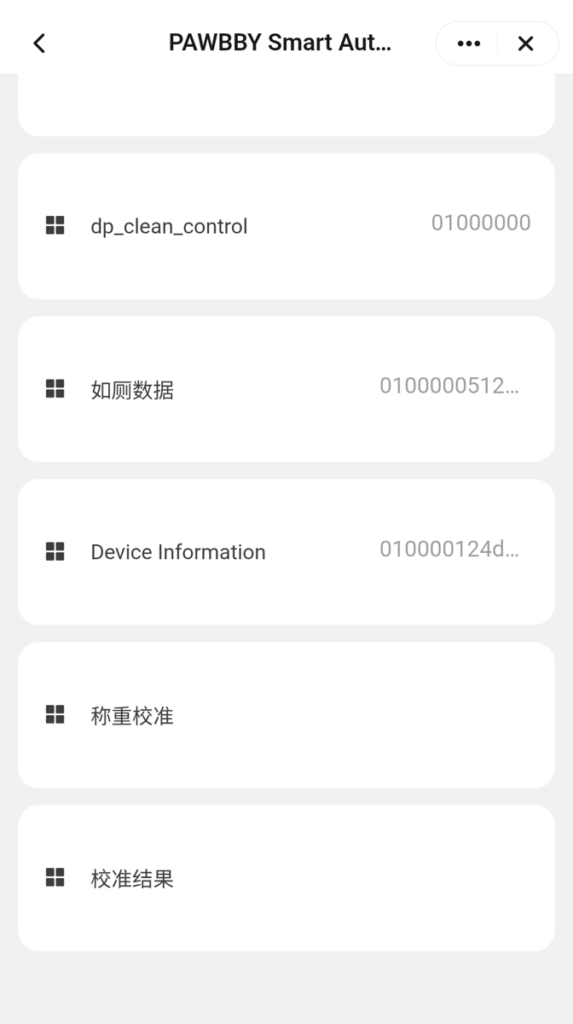
So, with the box idle and both cats elsewhere, I sent DP 106 = AQAAAA== once. The state machine switched to work_mclean in the same second, the drum turned for 119 seconds, and the box reported idle again. Later that morning I pressed the new Clean Now button on my KNX dashboard myself, and it started just the same. The box has always offered this on its own display; now it is one more KNX object.
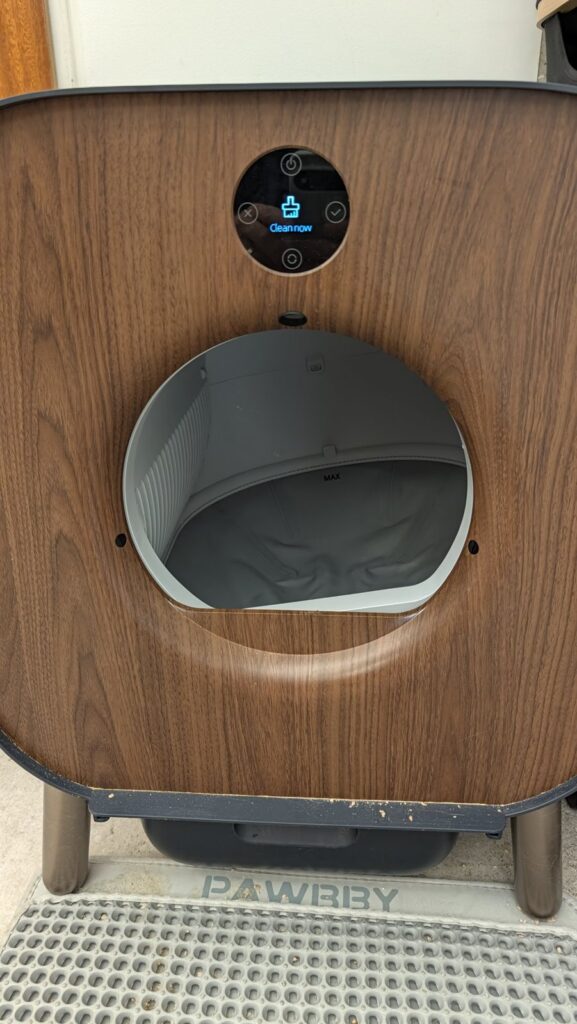
Because a clean turns the drum, the script refuses the command unless it knows the box is idle and no visit is in progress. The box has its own cat detection. This does not rely on it:
local function cleanblocked()
  local st = pawbby.last['116']
  if not st then return 'state not known yet' end
  if CAT_STATES[st] or BUSY_STATES[st] or LID_STATES[st] then return 'state ' .. st end
  if pawbby.inbox or pawbby.settle then return 'visit in progress' end
  return nil
end

local function sendclean(via)
  local why = cleanblocked()
  if why then
    log('pawbby: clean REFUSED (' .. why .. ') via ' .. via)
    return
  end
  dev:set({ ['106'] = CMDS.clean })
  pawbby.cleansent = now
  log('pawbby: clean requested via ' .. via)
end
Which cat was it?
The last feature is the one the original app was proudest of: knowing which cat used the box, and what they weigh. My first attempt measured the peak of the scale minus the baseline, and the first real visit came out as 0 g. The log showed why: the box reported one visit as two short ones, and the measurement window closed after five seconds.
The better source turned out to be the visit report the box sends itself, DP 107. Three samples are known, one from my box and two from the Reborn notes, and all share the layout 01 00 00 05 WW WW 00 xx 00. Bytes 4 and 5 hold 4248, 4176 and 4049: plausible cat weights in grams, and in the Reborn notes 4049 also shows up as a DP 113 scale reading.
local function weight107(b64)
  local okd, raw = pcall(encdec.base64dec, b64)
  if not okd or type(raw) ~= 'string' or #raw ~= 9 then return nil end
  local b = { raw:byte(1, 9) }
  if b[1] ~= 1 or b[2] ~= 0 or b[3] ~= 0 or b[4] ~= 5 then return nil end
  local w = b[5] * 256 + b[6]
  if w < 1000 or w > 12000 then return nil end
  return w
end
I treat that as a strong working hypothesis, not a spec, so every visit logs both numbers side by side. Names are not configured either. After six weighed visits the script splits the recent weights into two clusters and calls the heavier one Isma and the lighter one Charlie, but only if the clusters are clearly apart. If only one cat has been weighed, or they weigh too alike, it says Unknown and logs why, rather than invent a second cat. As I write this, the box is still collecting visits.
Built with Claude, and what that actually looked like
I built this with Claude as a pair, across a long reverse-engineering session and then a day of turning it into a proper project. The honest summary is that the code was the easy part. The work was in not believing things too early.
Two examples. A weight reading that stayed identical for minutes was first taken as a stable measurement; it was latched, because the lid was open. And an object was declared missing that existed all along; the object list had been cached. Both are now written down as rules: reload before you conclude anything.
The other half was tooling. Until this week every change meant copy and paste into the LogicMachine’s browser editor. The controller’s remote JSON API was disabled, so the deploy script logs in the way the browser does. The LogicMachine never receives the password in clear text; the login page seals it with NaCl first:
    def login(self):
        # login.js never posts the password: it seals "user:pass", zero-padded
        # to 64 bytes, in a NaCl box to the page's one-off server key.
        ref = "/scada-main/"
        _, _, body = self.request("/login?ref=" + urllib.parse.quote(ref, safe=""))
        m = re.search(rb'id="srvpubkey"[^>]*value="([^"]+)"', body)
        if not m:
            sys.exit("login page has no srvpubkey; login scheme changed?")
        srv = nacl.public.PublicKey(base64.b64decode(m.group(1)))
        eph = nacl.public.PrivateKey.generate()
        cred = (os.environ["LM_USER"] + ":" + os.environ["LM_PASS"]).encode()
        cred = cred.ljust(64, b"\0")
        nonce = nacl.utils.random(nacl.public.Box.NONCE_SIZE)
        # Box.encrypt prepends the nonce; tweetnacl's nacl.box does not.
        sealed = nacl.public.Box(eph, srv).encrypt(cred, nonce).ciphertext
        _, url, _ = self.request("/login", {
            "nonce": base64.b64encode(nonce).decode(),
            "pubkey": base64.b64encode(bytes(eph.public_key)).decode(),
            "encrypted": base64.b64encode(sealed).decode(),
            "ref": ref,
        })
        if "/login" in url:
            sys.exit("login failed (check LM_USER / LM_PASS)")
Two quirks cost the most time, so here they are for anyone automating a LogicMachine: a login POST without Origin and Referer headers is silently refused, and the admin JSON endpoints answer 404 unless X-Requested-With: XMLHttpRequest is set. Both look exactly like a different problem. With that solved, tools/deploy.sh pushes the Lua, reads it back, and fails unless the script restarted exactly once with no new errors. Offline tests replay real visit sequences through the script before anything touches the box. Secrets never enter the repository: the Tuya key and device id are placeholders that the deploy fills in from a local file.
Try it yourself
The code, the datapoint map and the notes on every dead end are at github.com/managementboy/pawbby. Start with docs/FINDINGS.md and docs/DATAPOINTS.md before changing anything.
Two honest warnings. DP 106 = AQIAAQA= empties the entire tray, so do not use it to test a write; use flatten. And this is a hobby project for one specific box on one specific controller, with no warranty of any kind. If you break your litter box, your cats will let you know.
Frequently asked questions
Does the PAWBBY litter box work without the Pawbby cloud?
Yes. The box is a Tuya device and keeps working on the local network. With its Tuya local key you can read its state and send commands over the Tuya v3.4 local protocol on TCP port 6668, without the Pawbby app or backend.
Can I start a manual clean on a PAWBBY remotely?
Yes. Writing DP 106 with the base64 value AQAAAA== (bytes 01 00 00 00, the app’s startClear command) starts a manual clean (work_mclean). It was confirmed on a real box on 17 September 2026: the cycle ran for 119 seconds. Only send it when the box is idle and no cat is inside.
What are the PAWBBY command payloads?
On DP 106: flatten or level the litter is AQEAAQA=, clean now is AQAAAA==, and AQIAAQA= empties the whole tray. On DP 109, AQEAAA== tares the scale. Writes need the 15-byte version header “3.4” plus twelve zero bytes and must not contain a cid field.
Where do I get the Tuya local key for my PAWBBY?
From the Tuya developer platform: create a cloud project, link the app account the litter box was paired with, and query the device details. You only need to do this once.
Do I need Home Assistant or a Raspberry Pi?
No. This integration runs entirely on a LogicMachine LM5 in Lua and publishes to KNX objects. If you prefer a web interface, the Pawbby-Reborn project is a self-hosted alternative.
Can the PAWBBY tell my cats apart by weight?
The box reports its own weighing of each visit in DP 107; bytes 4 and 5 appear to be the cat’s weight in grams. The script learns two weight clusters from those visits and names the cats once the clusters are clearly separated. This is still being validated against real visits.
Links and what goes back to Pawbby-Reborn
- This project: github.com/managementboy/pawbby
- Pawbby-Reborn, the datapoint map and app analysis this is built on: github.com/larsjarred9/Pawbby-Reborn
- New here and worth sending back: the working clean-now payload
AQAAAA==, the tare payloadAQEAAA==, the DP 107 weight layout, DP 102 as the clean result (not a counter), and thelid_*andcat_litter_*states.
